Nostria 3.0: See your friends again
- Daily Updates
- People and Lists /people
- Collections /collections
- Messages /messages
- Home
- Settings /settings
- Wallet /wallet
- Premium: YouTube /youtube
- Premium: Newsletter /newsletter
- What else?
Here we are again, another major upgrade.
There are too many new features and improvements to cover them all in this article, so we’ll write a lot more smaller ones after this.
First we want to give gratitude and heartfelt thanks to everyone who’s been using Nostria and providing us with feedback. It has made Nostria into the amazing app and service it is - and it’s only the beginning.
Daily Updates
If you are new to Nostria, we’d like to mention that Nostria is updated multiple times a day with improvements and new features. Even when you install through the app stores, the app itself will auto-update.
Why is this important? We want to be reactive to our users. We also want you to know that if you are upset with something that doesn’t work or want it to be different, we are here to help.
People and Lists /people
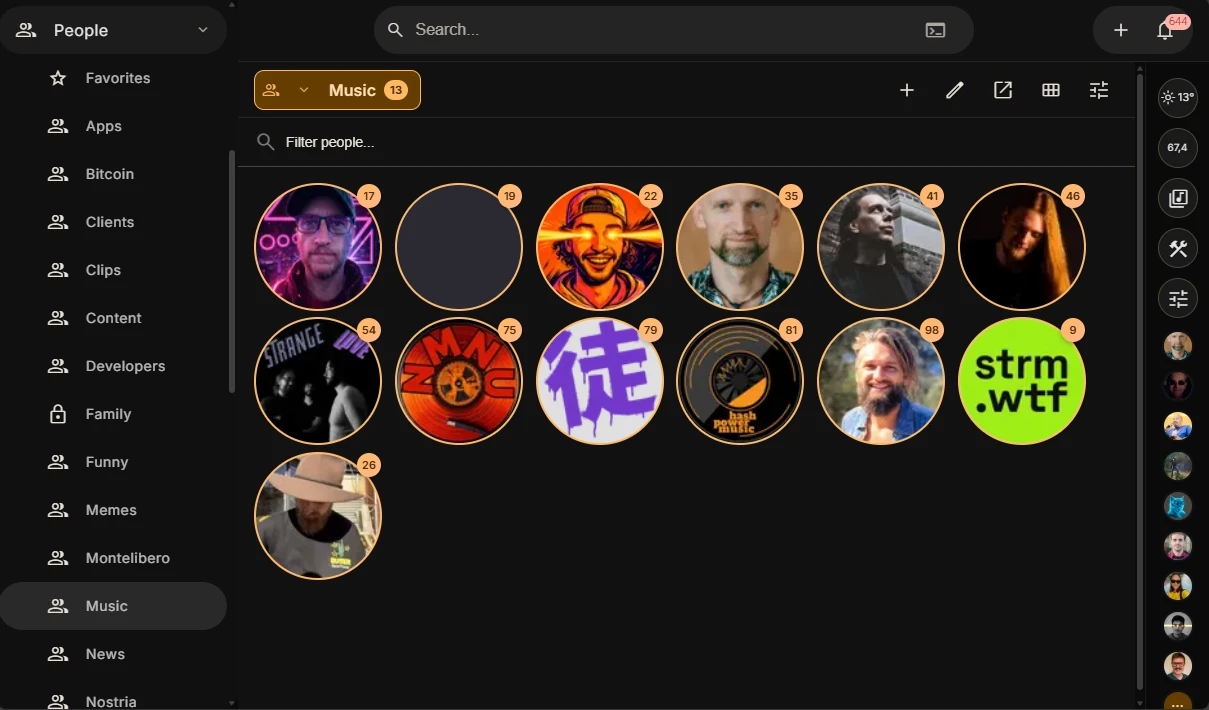
Keeping a large following list can quickly become unmanageable, so we built a list management that makes it quick and easy to organize people you follow, or any other profile, into lists.
You can make a specific “News” list, and then view a feed that only shows notes from news sources. Some of the news profiles post a lot, so now you can keep up with the news without cluttering your regular feed.
Collections /collections
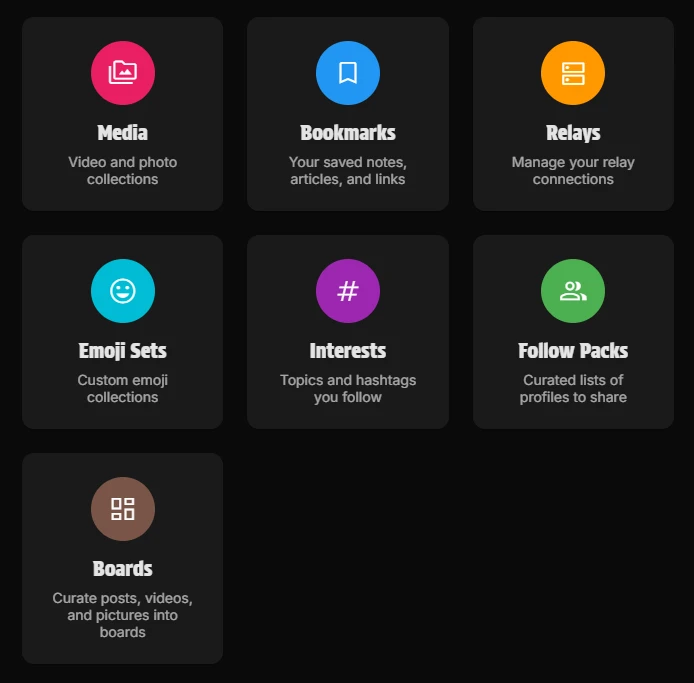
Collections has optimized management of various content that you control on Nostr. Your media library has been moved here, this is where you have full control on all your uploaded media.
Bookmarks has been extended with custom bookmark lists, so you’re no longer limited to the basic list, you can make any number of lists.
Here is a new very powerful feature you can do by combining bookmark lists and the updated article editor: You can collect sources for research or newsletters using a bookmark list, and in the article editor you can pick a bookmark and it will populate the article with everything you’ve gathered. Try it out, it’s amazing!
Relays under Collections is not the same as the relays in Settings. These are the public relays feeds, and it’s also the relay sets that you can set for getting content for specific purposes, such as Music Relays, Streams Relays and Article Relays.
This help you keep your own personal account relays to a low number (we advice 3-4 maximum), but you won’t miss any streams or articles by having a low set of account relays, instead you can get content from many places very easily.
Emoji sets allow you to search for custom emoji packs and install them, so you can use them as reactions. We suggest checking out the Twitch package, it’s very popular.
Interests is lists of common interests you might follow, you can open feeds based upon your interests, for example #asknostr, #catstr, #farmstr. This is very useful to get a feed that matters to you.
Follow Packs is also known as Starter Packs, you can build these and share them with friends and family, to give them a good curated list of accounts to follow. You can make multiple, for different topics and interests. For example you could have one that only has streamers, or farmers, or artists.
Boards is the final feature on Collections and it’s a way you can collect posts and articles, or pictures or videos. Make some creative boards when you’re researching home renovations.
Messages /messages
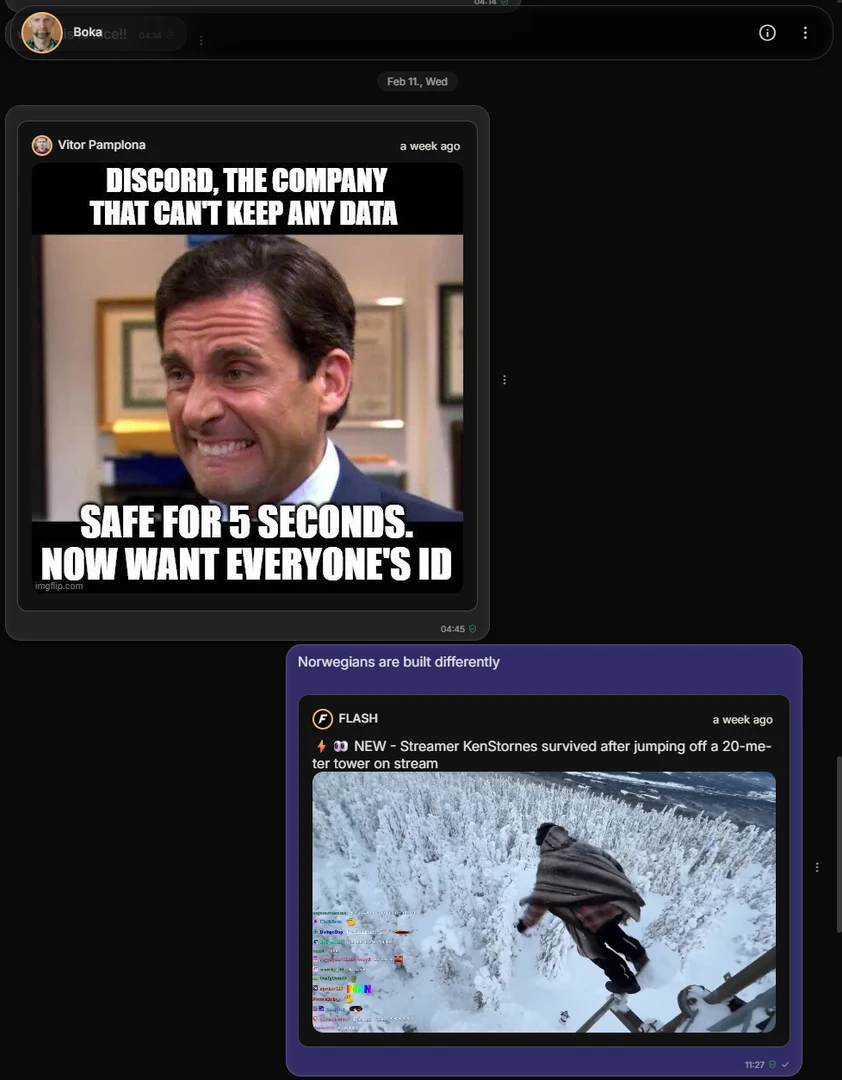
Private messages is a very important part of social network, Nostria now has added sharing of pictures, videos, posts, articles and more. Messages will show everything nicely in the chats.
Home
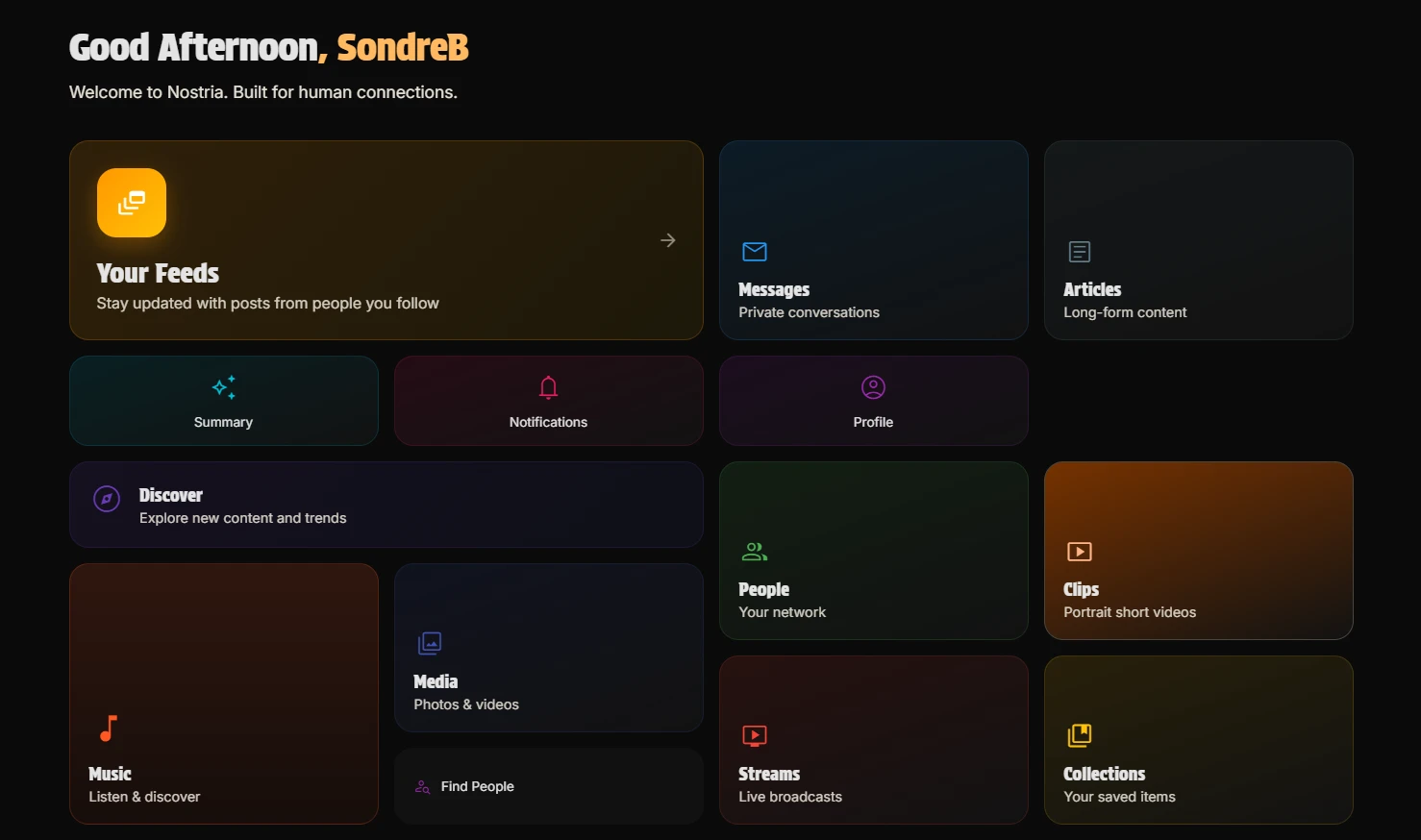
We’ve added a home, or dashboard. It has a button for every single feature in Nostria.
Settings /settings
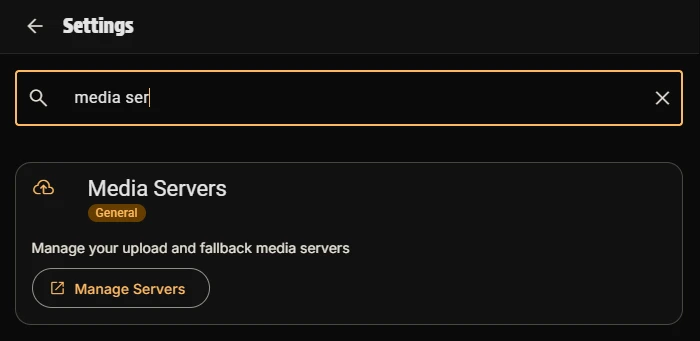
Settings have been improved a lot, most important is search. If there anything you’re looking for, just search and you will find. No more navigating through pages with different toggles, just search and do what you wanted.
The menu is now fully customizeable, you can decide what menu options you want to have there. Did you know you can also fully customize the Nostria icon on the top? You can choose it to open Home, Feeds - or simply the first menu item. Try adding Clips as the first menu item and enjoy a bit different experience on Nostr, that feels more like TikTok.
Wallet /wallet
After you setup your NWC connection with your wallet provider, you will now see your balance and the transaction history in the new Wallet feature.
Premium: YouTube /youtube
The YouTube feature has been improved a lot, with a new video player that can be moved around in the app. It’s super easy to add a new channel as well, just copy the channel URL, paste it into the new channel option and it will discover channel art and name automatically.
Premium: Newsletter /newsletter
You can maintain a newsletter on Nostr using Nostria very easily. There are many ways a user can subscribe to your newsletter, for example you can require that they have zapped one specific pinned note, or anyone who has liked a note.
It will prepare and send a direct message to each of the subscribers, directly on Nostr.
If a user wants to unsubscribe from your newsletter, all they need to do is unlike your note.
We’re considering e-mail option in the future, we’ll see what the demand for such a feature is.
What else?
There is so much, no time to write it all, but a few highlights:
Profile now has links, where people can see your social links to other services. You can even add proof, which is validated, building confidence that your profile is the official.
Performance improvements has been added everywhere. We are still not happy with the performance everywhere. Nostr is a decentralized protocol, so it’s harder to give the best possible user experience, but we’re doing our best and it’s pretty good today - but we are dedicated on making it better. We’ve added some smart logic to optimize, we hope you’ll enjoy it and have a great experience.
If you come across any issues, please let us know on GitHub
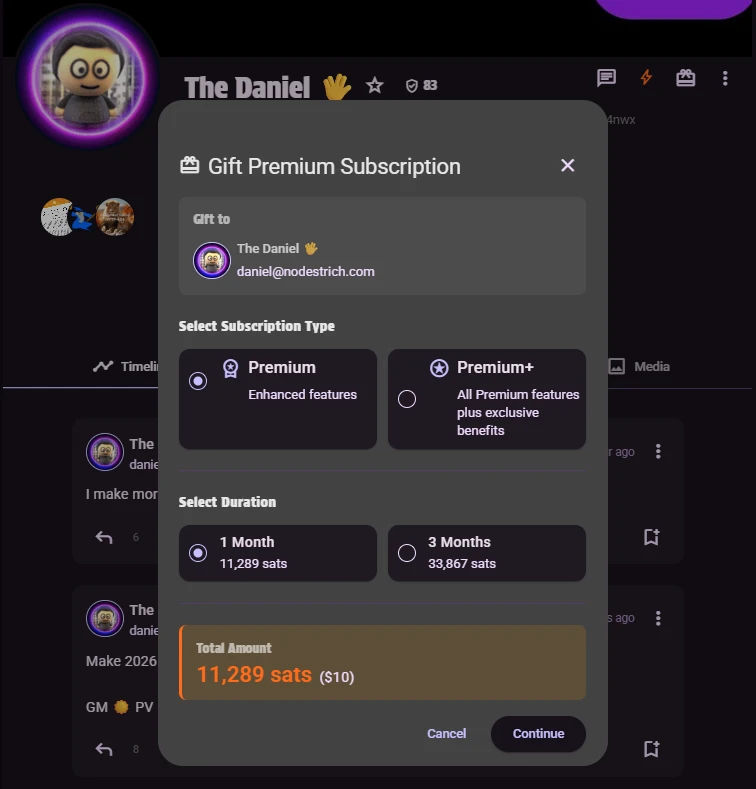
If you enjoy Nostria, please consider supporting us by subscribing to Nostria Premium. Your support helps us continue to develop and improve the platform. In case you didn’t know, you can also gift a premium subscription to your friends! You find the gift icon on the user profile, and then you can gift simply using zaps!
Thanks! 💜
Write a comment